Can You Do a Whole Year of Bookkeeping at Once?
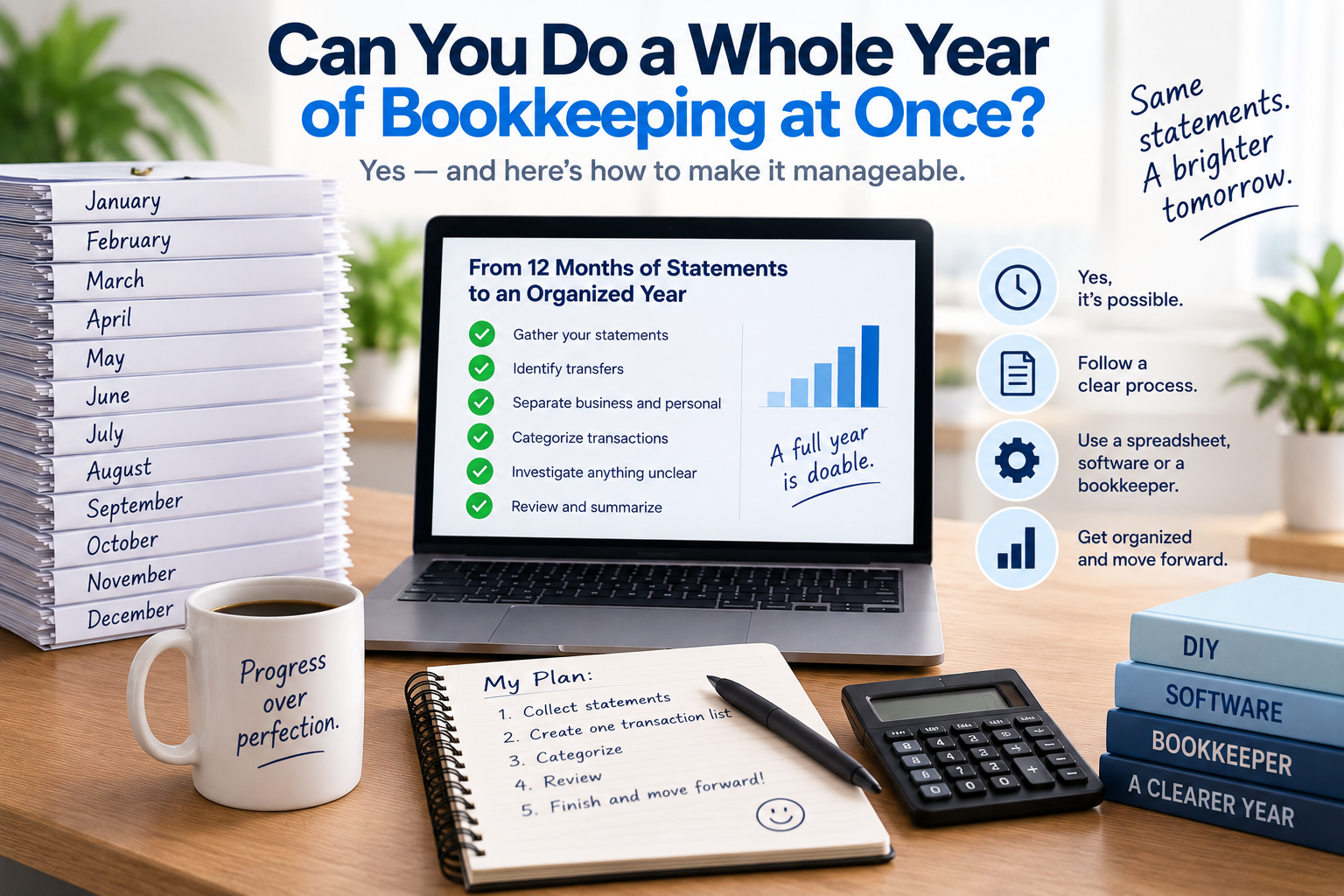
You haven't done your bookkeeping for months.
Maybe you haven't done any of it since January.
Now you're wondering:
Can I just do the whole year of bookkeeping at once?
For a straightforward sole proprietor, the answer can be yes.
If most of your business activity runs through a small number of bank and credit-card accounts, you may be able to reconstruct and organize an entire year of transactions at one time.
But there's an important distinction between:
being able to catch up on a whole year of bookkeeping
and
having a business that should only do bookkeeping once a year.
Those aren't necessarily the same thing.
Here's when doing a full year at once can work, when it becomes difficult, and how to approach it if you're already a year behind.
Can I catch up on a whole year of bookkeeping?
Yes.
Bookkeeping doesn't suddenly become impossible because you didn't complete it every month.
If you have the underlying records, you can go back and reconstruct what happened.
For a straightforward business, that might mean gathering twelve months of:
- bank statements
- credit-card statements
- invoices
- receipts
- sales records
- payment-processor reports
- other relevant business records
You then work through the transactions, identify what they represent, categorize them and prepare an organized summary of the year.
This is generally referred to as catch-up bookkeeping.
The bigger question is how difficult that process will be.
When is doing a whole year of bookkeeping at once relatively easy?
Annual catch-up bookkeeping tends to be much more manageable when the business itself is straightforward.
For example, imagine a self-employed consultant who:
- has one business bank account
- uses one credit card
- receives customer payments electronically
- has no employees
- doesn't carry inventory
- has relatively few transactions
- has kept their statements and receipts
- has fairly easy-to-identify expenses
They may have done no bookkeeping during the year.
But reconstructing the year could still be relatively straightforward.
Now compare that with a business that has:
- five bank accounts
- several credit cards
- thousands of transactions
- employees
- inventory
- customer receivables
- unpaid supplier bills
- loans
- substantial personal spending mixed into the accounts
- missing records
Both businesses might be one year behind.
But they don't have the same bookkeeping problem.
The number of months behind matters.
The complexity of what happened during those months matters more.
Is it bad to do bookkeeping only once a year?
It depends on what your business needs from its bookkeeping.
Bookkeeping isn't only about preparing information at tax time.
Good accounting records can also help you:
- understand whether the business is profitable
- monitor expenses
- see how much customers owe you
- keep track of bills
- manage cash flow
- identify unusual transactions
- make business decisions
- meet filing or reporting obligations
- spot problems before they become bigger
If you need that information throughout the year, doing your bookkeeping once annually is obviously too late.
You can't use June's financial information to make a decision in July if you don't organize it until the following March.
But not every sole proprietor has the same accounting needs.
A straightforward independent service provider with simple finances may have very different requirements from a business with employees, inventory and substantial amounts owing from customers.
So rather than asking:
"Should everyone do bookkeeping monthly?"
a better question is:
"How frequently does my business need accurate financial information?"
What are the disadvantages of waiting until year-end?
Even when annual bookkeeping is possible, waiting can make the work harder.
You may forget what transactions were for
A transaction that was obvious six months ago may look completely unfamiliar today.
Your statement might say:
*SQ BRTON 842 — $86.72
At the time, you knew exactly what you bought.
A year later, you may have no idea.
Receipts can disappear
Emails get deleted.
Paper receipts fade.
Online accounts change.
Suppliers disappear.
The longer you wait, the harder it can become to reconstruct supporting information.
Mistakes aren't discovered quickly
Perhaps a customer underpaid an invoice.
Maybe a subscription continued billing you after cancellation.
Maybe a personal expense was accidentally charged to the business account.
Regular bookkeeping can identify those issues while they're still fresh.
Annual bookkeeping discovers them much later.
You don't know how the business is performing
Your bank balance doesn't necessarily tell you whether your business is profitable.
If you wait until year-end to organize your records, you may spend the year making decisions without complete financial information.
But I'm already a year behind. What should I do?
If the year has already passed, there's little value in feeling that you should have done the bookkeeping monthly.
The practical question is:
How do I get caught up now?
Start by treating the year as one project.
Step 1: Gather the complete year
Before entering or categorizing transactions, collect everything.
Start with:
- all bank statements
- all credit-card statements
- sales records
- payment-processor reports
- receipts and invoices
- loan information
- records of significant purchases
- any other accounts used for business
Make sure every month is present.
If you used a personal account for business transactions, include those records too.
The goal is to create the most complete picture of the year possible before you start.
Step 2: Work one account at a time
Don't bounce randomly between accounts.
Choose one account and work through it systematically.
For example:
Business bank account: January → December
Then:
Business credit card: January → December
Then move to any additional accounts.
This gives you a clear sense of progress and reduces the chance of accidentally skipping periods.
Step 3: Create a complete transaction list
You need somewhere to organize the year's activity.
At minimum, record:
- date
- description
- amount
- account
- income or expense
- business or personal
- category
- business-use percentage where relevant
- review status
- notes
If you want to do this manually, we've created a free Catch-Up Bookkeeping Excel Template for sole proprietors.
Download the free Catch-Up Bookkeeping Excel Template (XLSX)
You can use the same spreadsheet for the entire year rather than creating twelve separate monthly bookkeeping files.
Step 4: Identify transfers first
When you're processing an entire year, transfers can create significant errors if they aren't identified.
Suppose you regularly move money:
- from checking to savings
- from one business account to another
- to pay a credit card
- into a tax savings account
Those transfers can appear as money leaving one account and arriving in another.
They aren't automatically additional expenses or additional income.
Identify them before you start calculating totals.
Step 5: Identify business income
Review deposits and other money coming into your accounts.
Determine which amounts actually represent business income.
Not every deposit is necessarily revenue.
Deposits can also represent:
- transfers
- money you contributed personally
- loans
- refunds
- other non-revenue amounts
Compare the deposits with your invoices, sales records and payment-processor reports where appropriate.
Step 6: Separate business and personal spending
Next, work through the outgoing transactions.
For each one, determine whether it belongs to the business.
Don't assume that everything paid from a business account is automatically a business expense.
Likewise, think about whether you paid any business expenses from personal accounts.
Those transactions may need to be added separately because they won't appear in the business statements.
Step 7: Categorize the business expenses
Once you've identified the business transactions, group them into useful categories.
For example:
- advertising
- insurance
- office expenses
- professional fees
- rent
- repairs
- software
- supplies
- telephone and internet
- travel
- meals
- vehicle expenses
Don't guess when something isn't clear.
Flag it for review.
When you're processing a whole year, it's usually faster to keep moving and return to unclear transactions later than to spend ten minutes investigating every mystery purchase as soon as you encounter it.
Step 8: Review mixed-use expenses
Some expenses may be partly business and partly personal.
Examples can include:
- telephone
- internet
- vehicles
- shared subscriptions
- certain home-related costs
Your statement tells you how much you paid.
It doesn't necessarily tell you how much relates to the business.
Mark these items so the appropriate business portion can be determined.
Step 9: Look outside the bank statements
A full year of statements may capture most of your activity.
But don't assume they capture everything.
Ask:
- Did I pay business expenses personally?
- Did I use cash?
- Did customers pay another account?
- Did I use another payment platform?
- Are payment-processor fees hidden because only net deposits reached the bank?
- Did I purchase business equipment from another account?
This is why bank statements are an excellent framework for catch-up bookkeeping but aren't necessarily a complete record by themselves.
For a detailed walkthrough, see How to Do Bookkeeping From Bank Statements.
Step 10: Review the entire year
One advantage of doing a whole year together is that you can see patterns.
Once everything has been entered and categorized, review the annual totals.
Look for:
- duplicate transactions
- transfers incorrectly recorded as income or expenses
- unusually large categories
- months with unexpectedly little or no revenue
- large purchases
- uncategorized transactions
- personal expenses still included
- missing accounts or months
- expenses that seem unusually high or low
Sometimes an error that isn't obvious at the transaction level becomes very obvious when you look at twelve months together.
How long does it take to do a year of bookkeeping?
It depends much more on the number and complexity of transactions than on the fact that there are twelve months.
Imagine Business A has:
25 transactions per month × 12 months = 300 transactions
Business B has:
200 transactions per month × 12 months = 2,400 transactions
Both are one year behind.
But Business B has eight times as many transactions to process.
Then consider the quality of the records.
Three hundred clean, obvious transactions may be easier to process than 150 transactions involving missing records, mixed personal spending and unclear payments.
Should I do the bookkeeping month by month or the whole year together?
If you're catching up a completed year, it's generally best to think of it as one project, but still process the records systematically.
That might mean:
Account 1: January → December
Account 2: January → December
Credit Card: January → December
Then review the combined annual results.
You don't necessarily need to create twelve completely separate bookkeeping projects.
But you also shouldn't dump everything together without keeping track of where transactions came from.
The objective is to combine annual efficiency with monthly organization.
Can I enter the whole year into Excel?
Yes.
For a straightforward business, this may be one of the simplest approaches.
You can use one transaction table containing the entire year.
Then sort or filter it by:
- date
- category
- account
- business/personal
- review status
Our free Catch-Up Bookkeeping Excel Template is set up for this type of workflow.
Download the free Catch-Up Bookkeeping Excel Template (XLSX)
The biggest drawback is manual data entry.
Entering 200 transactions is one thing.
Entering 2,000 is another.
Is bookkeeping software better if I'm a year behind?
It can be, particularly if you want to continue using the software going forward.
A full bookkeeping system can give you ongoing:
- transaction records
- bank reconciliation
- invoicing
- reporting
- other accounting functionality
If your objective is to establish proper ongoing books, catching up the historical year inside the software may make sense.
But if you're a straightforward sole proprietor and your immediate problem is simply:
"I need to organize last year's transactions,"
setting up a complete accounting system isn't the only option.
Should I hire a bookkeeper to catch up the whole year?
Sometimes.
A bookkeeper becomes particularly valuable when your records involve more than a large number of straightforward transactions.
Consider professional help if you have:
- multiple years to catch up
- many accounts
- missing records
- complicated loans
- payroll
- inventory
- substantial amounts owed by customers
- substantial unpaid bills
- significant errors in existing books
- other accounting complexities
You might also hire a bookkeeper simply because you don't want to spend your own time doing it.
For a more detailed comparison, see Catch-Up Bookkeeping for Sole Proprietors: DIY, Software or a Bookkeeper?
What if the bookkeeping is simple but there are hundreds of transactions?
This is where automation can be particularly useful.
Suppose your bookkeeping isn't complicated.
You have:
- a bank account
- a credit card
- straightforward business income
- ordinary business expenses
- no complicated accounting
But you have 1,000 transactions for the year.
The problem may not be accounting complexity.
It may simply be data volume.
You could manually enter all 1,000 transactions into Excel.
You could hire someone to enter and organize them.
Or you could use software to automate much of the initial transaction organization.
Where Heightly fits
Heightly was built specifically for straightforward sole proprietors who reach tax time with bank and credit-card statements that still need to be organized.
You upload the statements, and Heightly helps:
- extract the transactions
- organize them
- suggest possible categories
- flag items that need your review
- create organized PDF and Excel reports
You still review the results.
Heightly doesn't know the business purpose of every transaction, determine whether an expense is deductible, replace your supporting records or replace professional advice.
Its role is much narrower:
reducing the manual work involved in turning a year's statements into an organized transaction list.
That's particularly useful when the bookkeeping is simple but long.
Can I do several years of bookkeeping at once?
Technically, historical records can be reconstructed for more than one year.
Practically, the difficulty increases.
The further back you go:
- the harder transactions can be to remember
- the more likely receipts are missing
- the harder supporting information may be to find
- the more complicated corrections may become
- the greater the potential consequences of previous errors or missing filings
If you're several years behind, professional help becomes much more worth considering.
One year of straightforward catch-up bookkeeping and several years of neglected accounting are very different projects.
Should I keep doing my bookkeeping annually after I catch up?
Catching up once doesn't necessarily mean annual bookkeeping should become your permanent system.
After you've completed the year, ask yourself:
Was waiting actually efficient?
If the catch-up was easy and your business genuinely has very simple recordkeeping needs, you may decide that relatively infrequent bookkeeping works for you.
But if you spent hours:
- trying to remember transactions
- searching for missing receipts
- figuring out who paid you
- sorting personal from business spending
- investigating mystery charges
that's useful information.
Next year, you may want to organize things more frequently.
It doesn't necessarily have to mean doing formal bookkeeping every day.
Even a simple routine can help:
- keep business activity in dedicated accounts
- save receipts as you go
- review transactions periodically
- record unusual purchases while you still remember them
- maintain a basic income and expense record
The goal is to make next year's bookkeeping easier than this year's.
Yes, you can do a whole year of bookkeeping at once
If you're a straightforward sole proprietor and haven't done your bookkeeping all year, the situation is fixable.
You can reconstruct a full year from your statements and other business records.
The process is:
Gather → Organize → Identify → Categorize → Review → Summarize
Whether you should do it yourself depends on the volume and complexity of your records.
A few hundred straightforward transactions may be manageable in Excel.
A large number of straightforward statement transactions may benefit from automation.
Complicated accounting may be better handled by a bookkeeper.
And once you're caught up, you can decide whether waiting until year-end actually makes sense for your business going forward.
The important thing is not when you should have started.
It's getting the records organized now.
If you're staring at the year and don't know where to begin, start with what to do when you haven't done any bookkeeping all year, then the full step-by-step catch-up guide.
This article provides general bookkeeping information only and is not accounting, tax or legal advice. Appropriate bookkeeping practices and recordkeeping requirements depend on your business, circumstances and jurisdiction. Heightly and the Heightly Catch-Up Bookkeeping Excel Template are organizational tools and do not determine tax treatment or replace professional advice.
Note for Quebec residents: The Service is not available to Quebec residents. See heightly.ai/app/quebec-not-supported for details.
This article is for general informational purposes only and is not tax, legal, or accounting advice. Rules vary by province, state, and business type, and change often — confirm details with a qualified tax professional (or the CRA / IRS directly) before filing. Heightly is software, not a tax filing service.
Turn your bank statements into a Tax Prep Report
Try Heightly free — turn your bank statements into a tax prep report in minutes.
Get started free →