Bookkeeping Without Linking Your Bank Account: How It Works
You want help organizing your business income and expenses. You would prefer to do it without connecting your bank account to another app.
Maybe you only need to catch up for tax time. Perhaps your bank does not work with the software you tried. Or you simply prefer to choose the records you upload.
You can do bookkeeping without linking your bank account. Downloaded statements, transaction exports and supporting records can provide the information you need to get started.
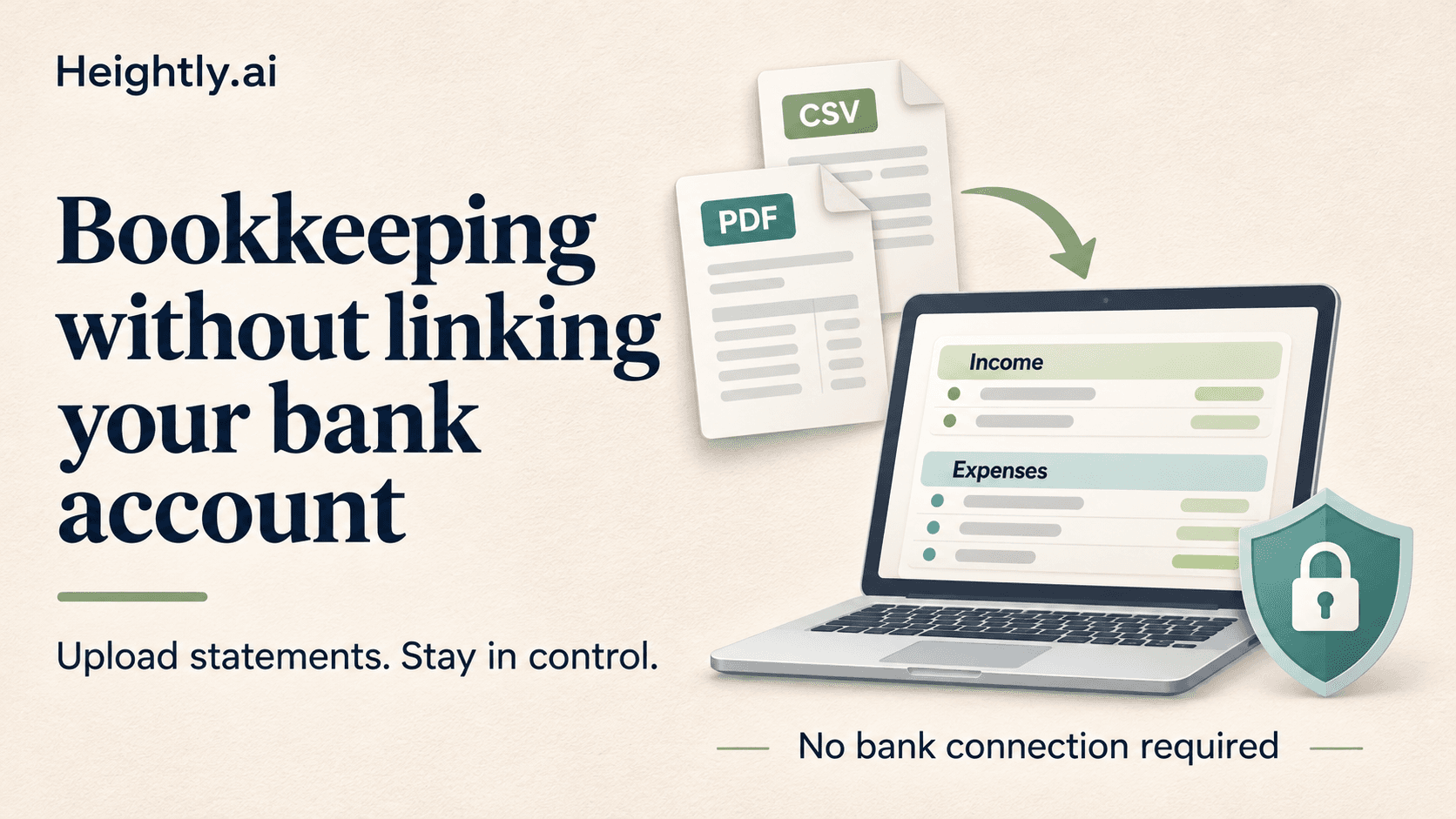
Heightly uses this approach: you upload business statements, review the organized transactions and download your Tax Prep Report. There is no bank feed to connect or maintain.
Here is how that works, how it compares with a connected account, and how Heightly protects the information you upload.
Can I use bookkeeping software without connecting my bank?
Yes. A bank connection is one way to bring transactions into software. Other methods include importing files or entering transactions yourself, depending on the tool.
The distinction is between providing transaction information and authorizing an ongoing connection.
With statement uploads, you download files from your bank and provide them to the bookkeeping tool. New transactions are not automatically added when you use your account again.
With a bank feed, you authorize a supported connection that can import new activity over time. You still need to review the resulting records.
Neither method turns every deposit into business income or every payment into a deductible expense. The transactions still need to be understood and organized.
Bank feeds versus statement uploads
| Question | Connected bank feed | Statement uploads |
|---|---|---|
| How do transactions arrive? | Through an authorized connection to a supported account | Through files you download and upload |
| How is new activity added? | Generally through ongoing imports, subject to the connection working | When you provide additional files |
| What about older transactions? | Available history depends on the bank and service | You can supply the periods available in your downloaded records |
| Is a supported bank connection required? | Yes | No, but the tool must be able to read your files |
| What work remains? | Review, categorization and completeness checks | Review, categorization and completeness checks |
| When can it be useful? | Keeping books updated throughout the year | Organizing a defined period or catching up for tax preparation |
The choice depends on how you want to work. An ongoing bank feed can be convenient for regular bookkeeping. Uploads can suit someone who already has the year’s statements and wants help organizing them.
Three ways to do bookkeeping without a bank connection
1. Use a spreadsheet
Download CSV transactions and organize them in Excel or another spreadsheet tool.
This gives you control over your workbook, but you need to assign categories, check formulas, identify transfers and build the summaries yourself. If your records are only available as PDFs, getting the transactions into rows adds another step.
A spreadsheet can be enough for a simple business with a manageable number of transactions.
2. Import files into accounting software
Some accounting platforms allow manual transaction imports without a bank feed.
Check which formats the software accepts and what work remains after importing. Getting transactions into the system is only the first part of the bookkeeping.
This approach can suit someone who wants to maintain a full accounting file and is comfortable managing it.
3. Use Heightly to organize uploaded statements
Heightly accepts business bank and credit card statements as PDFs or CSVs. It suggests categories and possible tax-form lines, flags unclear items, and provides PDF and Excel reports after review.
For straightforward sole proprietors, this offers help with the work between downloading statements and having an organized income-and-expense summary.
How bookkeeping from uploaded statements works
Download the records for your tax year
Gather all relevant business bank and credit card statements for the period you are organizing. Check for missing months, including activity from accounts you closed.
Use files downloaded directly from your bank where possible. Keep the originals for your records.
Upload your files and check the coverage
Choose the correct tax year and upload the relevant statements.
Heightly shows information about the uploaded accounts, dates and transaction coverage so you can check that you provided the intended records. Include one account per uploaded file.
For current file requirements and limits, see the Heightly Help Centre.
Review the transactions
Confirm that categories reflect what you actually bought or received. Identify personal purchases, transfers and anything requiring further explanation.
For example, a deposit might be a client payment or money you moved from savings. A retailer’s name may tell you where you shopped without explaining what you purchased.
Software can help organize the information, while your knowledge of the business helps resolve those questions.
Download your reports and complete any remaining work
Keep the Excel transaction detail alongside the PDF summary and your supporting records.
Check for items outside the uploaded accounts, such as cash activity or business expenses paid personally. A statement-based summary may also need adjustments before it is used for tax preparation.
For a more detailed walkthrough, read How to Do Bookkeeping From Bank Statements.
How Heightly protects your uploaded information
Heightly treats financial records as sensitive information. Our Privacy Policy sets out safeguards including:
- Encryption: TLS 1.2 or higher during transmission and AES-256 for stored financial records and reports.
- Restricted access: authorized personnel only, with multi-factor authentication for administrative access.
- Oversight: audit logging, regular security reviews and documented incident-response procedures.
- Limits on use: we do not sell personal information or allow customer financial records to train general-purpose AI models.
Database and storage infrastructure is in Canada; some service providers process information in the United States under contractual safeguards.
For CSV uploads, the original file stays on Heightly’s infrastructure; individual transaction fields go to the AI provider for categorization. For PDFs, the complete document goes to that provider for extraction.
Uploaded statements are deleted 90 days after report delivery, or 90 days after your last activity if no report is delivered. Reports, and the transaction data behind them, are kept for 12 months. If you don't purchase a report, your transaction data, answers and email address are deleted 90 days after your last activity. Earlier deletion can be requested, subject to legal requirements.
No bank connection is required, and the information you upload is protected through these controls. The policy explains processing, retention and deletion in full.
When does this approach make sense?
Statement uploads may be a good fit if you:
- Want to organize a completed period rather than maintain an ongoing bank feed.
- Have straightforward business bank and credit card activity.
- Prefer to download and supply your records yourself.
- Want help categorizing transactions for tax preparation.
- Have older records to organize that are available as PDFs or CSVs.
For example, a freelance consultant may already use another system to invoice clients and simply need the year’s income and expenses organized. A statement-upload workflow can help with that task without setting up a bank connection.
If you need frequently updated books, payroll, inventory or detailed ongoing accounting, a broader accounting system may be more appropriate.
Common questions about bookkeeping without bank linking
Does Heightly need my online banking password?
No. You download statements through your own bank and upload the files to Heightly. You do not connect your online banking account to use the service.
Will Heightly automatically retrieve new transactions?
No. Heightly works from the records and information you provide. Downloading and uploading complete records is part of the process.
Do I still need receipts?
Yes—keep the supporting records relevant to your income and expenses. Statements help show payments, but may not explain the purchase, business purpose or personal portion.
Can I use Heightly in Canada or the United States?
Heightly is designed for Canadian sole proprietors outside Quebec and US sole proprietors, including eligible single-member LLCs filing Schedule C. It works best with separate business banking.
It organizes information for tax preparation; it does not file tax returns or provide tax advice.
Get bookkeeping help without connecting your bank
You can get help organizing your statements without setting up an ongoing bank feed.
Heightly combines statement uploads with suggested categories, a review process and downloadable reports. You pay once for a report covering one tax year, within the selected plan’s limits.
Try Heightly’s free preview with one file to see how your transactions can be organized.
Note for Quebec residents: The Service is not available to Quebec residents. See heightly.ai/app/quebec-not-supported for details.
This article is for general informational purposes only and is not tax, legal, or accounting advice. Rules vary by province, state, and business type, and change often — confirm details with a qualified tax professional (or the CRA / IRS directly) before filing. Heightly is software, not a tax filing service.
Turn your bank statements into a Tax Prep Report
Try Heightly free — turn your bank statements into a tax prep report in minutes.
Get started free →